tools / assets
Everything you ship — and the megabytes you never needed to
React Native gives you no inventory of your bundled assets — the usual answer is unzipping a release build and spelunking through APK Analyzer after the bloat already shipped. Buoy Assets is that inventory, live in your app: every bundled asset, largest first, with real byte sizes, scale coverage, duplicate detection, and the one thing no build-time tool can do — which assets are shipped but never loaded at runtime. Zero configuration.
npm i @buoy-gg/assets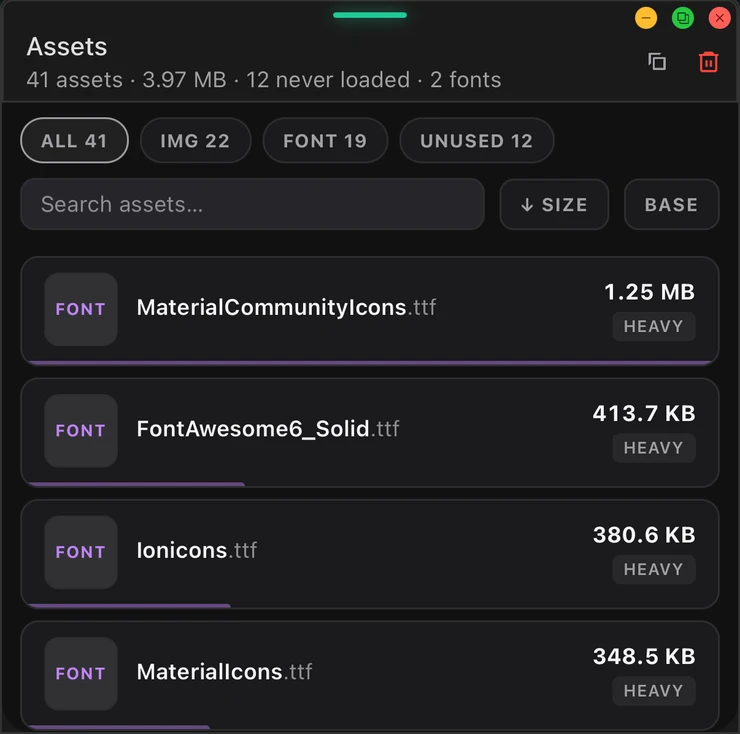
What it does
The whole inventory, measured
Every bundled image, font, video and audio file with dimensions, @1x/@2x/@3x coverage, and per-variant byte sizes measured from the Metro server in dev.
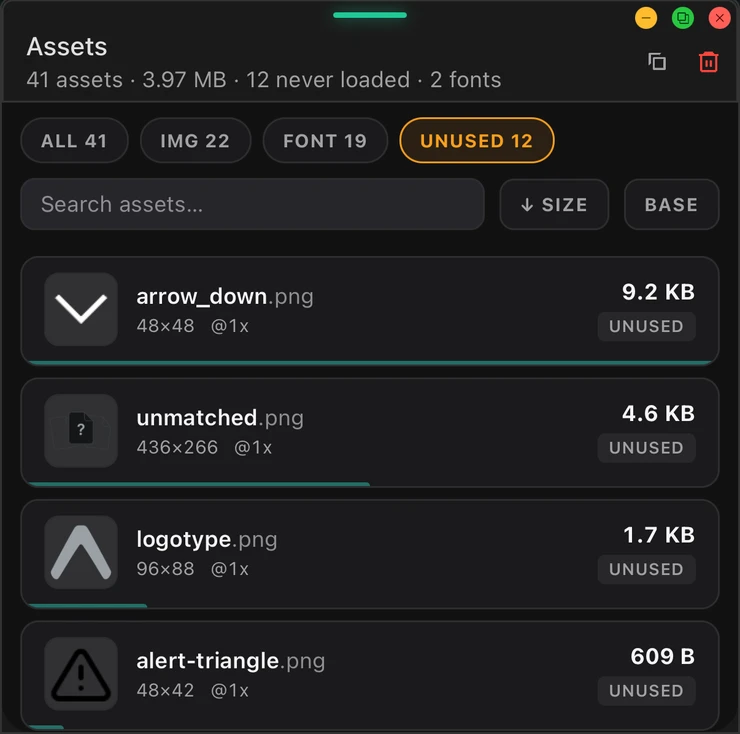
Shipped but never loaded
The tool diffs the full bundle graph against what actually registered at runtime — static grep tools can only guess; this knows.
Duplicates + heavy-asset findings
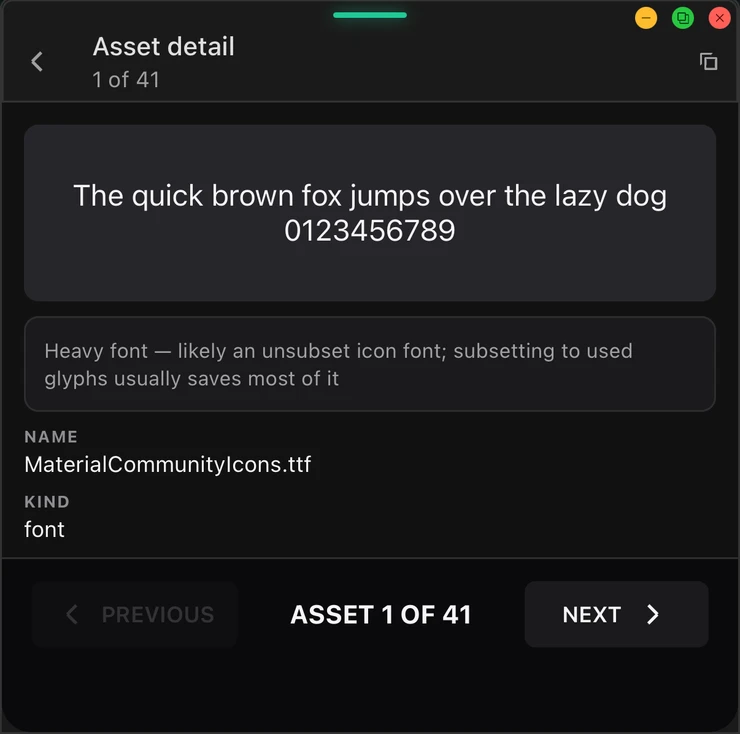
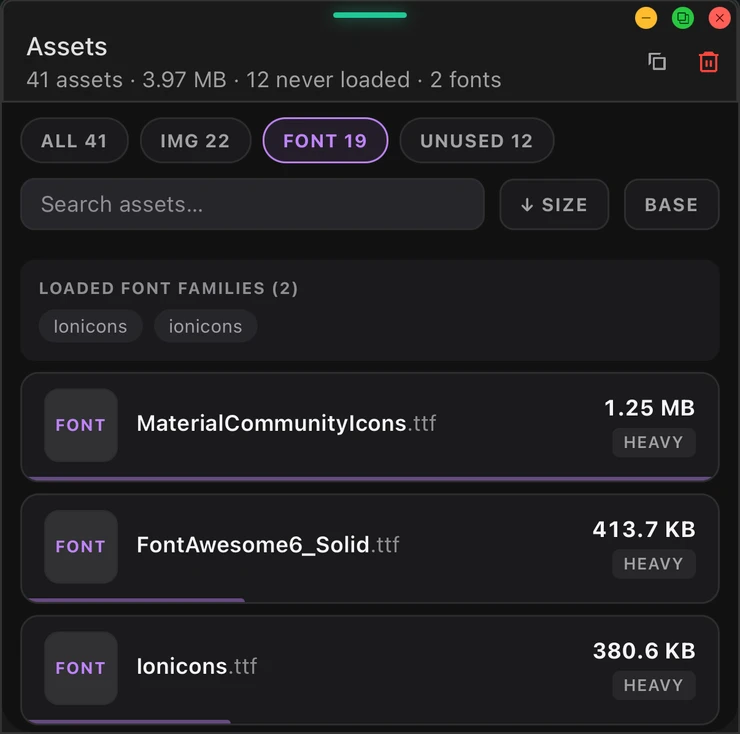
Identical bytes shipped twice (flagged by content hash), images that decode larger than the screen, heavy GIFs, unsubset icon fonts, and WebP conversion candidates.
Baseline diff
Save a baseline, make your change, and see exactly what it added — new, removed, and grown assets with net bytes. App-size regression prevention without CI tooling.
Frequently asked questions
How do I find out how big my React Native app assets are?
Can it find assets I ship but never use?
How is this different from the Images tool?
How do I stop asset bloat from creeping back in?
Add Assets to your app
Free for on-device debugging. Two-minute install, no native code.
npm i @buoy-gg/core